An IObit giveaway can unlock a paid Windows utility without requiring you to buy a license. The catch is often the license itself, not the download. A code posted for last year’s Advanced SystemCare release might still appear online today, even though it won’t activate the version currently offered by IObit.
The company maintains an official giveaway page with promotional codes for several products. That doesn’t establish whether those codes work with the latest releases. Before installing anything, it’s worth understanding which offer you’re claiming, what the license covers, and how to recognize an expired promotion.
What Does an IObit Giveaway License Include?
Many IObit utilities come in Free and Pro editions. An IObit Pro giveaway typically provides a promotional registration code for a paid edition, sometimes through a limited campaign. You get access to the features covered by that license, but the offer doesn’t automatically include future major-version upgrades or unlimited installations.
Two dates matter here. The activation deadline tells you how long you have to register the code; the expiration date tells you when Pro access ends. They might be months apart. A campaign can also restrict the eligible program version, so a license that hasn’t expired isn’t necessarily compatible with a newer release.
Where to Find Legitimate IObit Giveaway Codes
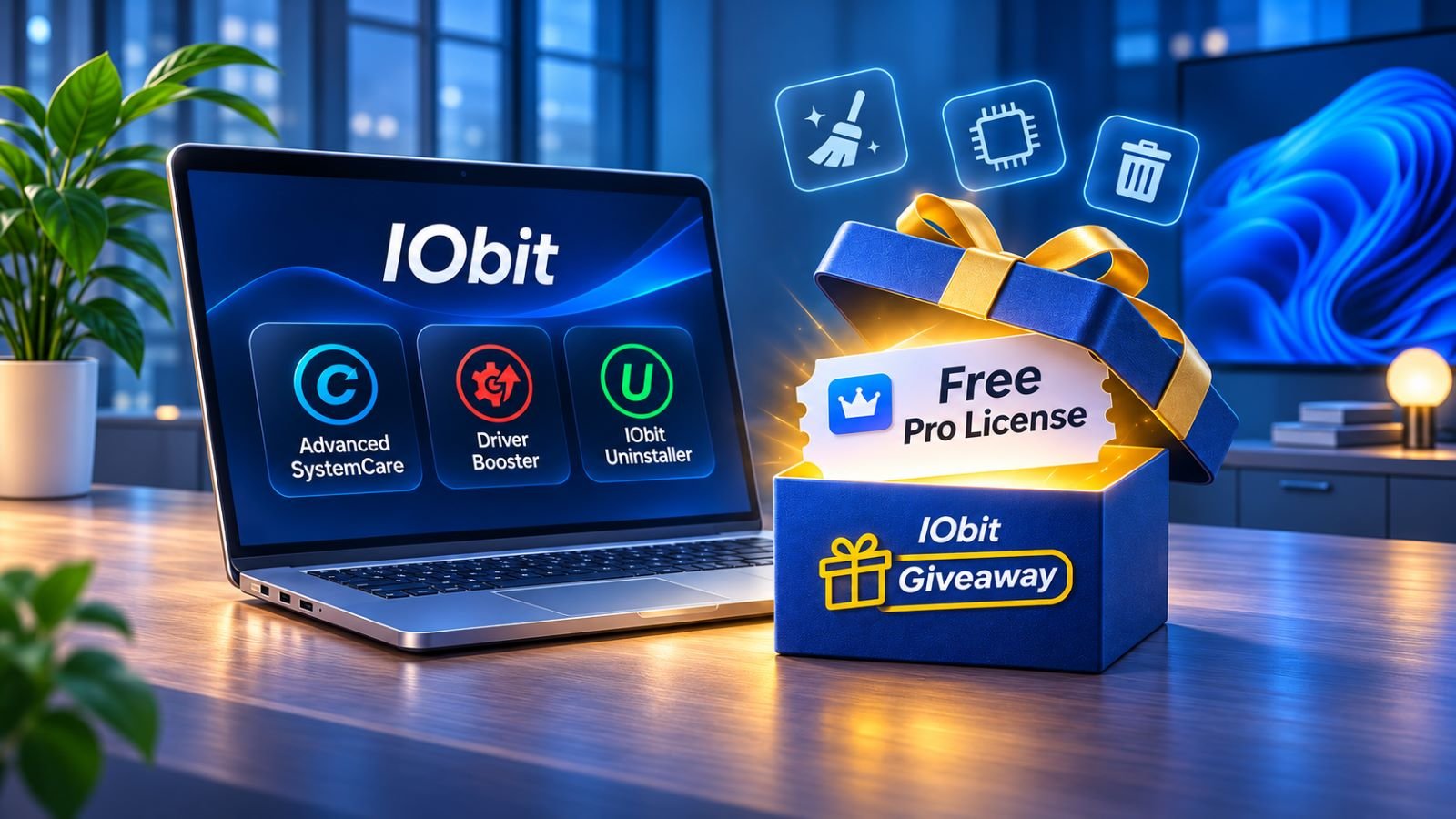
IObit’s own promotion page is the most direct place to start. It asks visitors to select two products and displays codes for six utilities, including Advanced SystemCare, Driver Booster, and IObit Uninstaller. The page remains accessible, but its listings don’t clearly establish whether each code supports the latest 2026 version or when its activation period ends.
Independent giveaway websites sometimes distribute licenses through publisher-approved promotions. The better software giveaway sites identify the software publisher, explain how to claim an offer, and provide enough information to distinguish an active campaign from an old announcement. A page advertising a free license is less useful when it leaves out the supported version or activation deadline.
Be particularly cautious with downloads presented as preactivated Pro editions. An unfamiliar installer, a key generator, or instructions to disable antivirus protection aren’t normal requirements for redeeming a legitimate giveaway. If a promotion only works with an older version, don’t download that version from an unknown mirror.
Which IObit Products Are Available Through Giveaways?
IObit’s giveaway page features several Windows maintenance and security utilities. Its product catalog lists newer releases, including Advanced SystemCare 20, Driver Booster 14, and IObit Uninstaller 16 as of November 2026. The promotional codes displayed on the giveaway page haven’t been confirmed for those versions.
| Product | Main Purpose | License Detail Worth Checking |
|---|---|---|
| Advanced SystemCare Pro | PC cleanup and maintenance | Major version and expiration date |
| Driver Booster Pro | Driver detection and updates | Supported version and device allowance |
| IObit Uninstaller Pro | Removing programs and residual files | Reactivation and reinstall conditions |
| IObit Malware Fighter Pro | Additional malware protection | Covered edition and license duration |
| Advanced SystemCare Ultimate | Maintenance and antivirus features | Ultimate-specific registration |
| IObit Software Updater Pro | Updating installed applications | Program version and update settings |
Advanced SystemCare Pro Giveaway
An Advanced SystemCare Pro giveaway can provide access to paid maintenance features without an initial purchase. Version compatibility deserves attention because IObit treats some promotional licenses differently from purchased ones. For example, a giveaway code for Advanced SystemCare 19 Pro cannot activate Advanced SystemCare 20 Pro, even when certain paid licenses qualify for an upgrade under IObit’s licensing terms.
Advanced SystemCare Ultimate also has its own licensing. Don’t assume a code issued for standard Pro will activate Ultimate, or vice versa.
Driver Booster Pro Giveaway
A Driver Booster Pro giveaway is more useful when you have a specific driver problem than when your computer already runs reliably. Before changing drivers, create a Windows restore point and compare the proposed updates with those available from your hardware manufacturer.
Automatic driver updates can be convenient, but installing every suggested version isn’t necessary. If an important device works properly, consider whether the update addresses an actual issue.
IObit Uninstaller Pro Giveaway
An IObit Uninstaller Pro giveaway can be worth trying when ordinary Windows uninstallation leaves behind files or settings you want to remove. The paid edition provides additional removal and cleanup capabilities, although the built-in Windows uninstaller is sufficient for many applications.
Think about future reinstalls before relying on a promotional license. If you regularly reset Windows or change computers, limited reactivation rights could matter more than the features you’re getting for free.
How to Claim and Activate an IObit Free License Code
Some promotions display a registration code directly, while others provide one after you complete the campaign’s claim process. Either way, identify the eligible version before downloading the installer. Otherwise, you could end up trying a valid older key in an incompatible newer release.
- Open the original giveaway page and identify the product, edition, eligible version, and activation deadline.
- Download the software from IObit or a clearly authorized campaign source. Review optional installation selections.
- Install the program and open its registration or license screen.
- Enter the promotional code and follow the activation instructions. Driver Booster, for example, has a license-key control described in IObit’s registration instructions.
- Confirm that the application displays Pro status, then record the license expiration date and program version.
Keep a copy of the campaign terms or confirmation email, not just the code. If activation succeeds, those details will help you understand what happens after a major software update or Windows reinstall. A successful registration doesn’t by itself establish that the license can be transferred to another computer.
Why an IObit Giveaway Code Stops Working
Start by matching the code to the product and major version. A Driver Booster key won’t register Advanced SystemCare, and an Advanced SystemCare 19 code may not work in version 20. A mistyped character is another possibility, so paste the original key rather than retyping it.
If the software reports an expired or invalid license, determine whether the campaign’s activation window has closed. An older giveaway page can remain online long after registration stops working. The problem isn’t always the expiration date of the Pro license itself; the deadline to activate it may have passed much earlier.
Device limits create a different problem. IObit’s license FAQ warns that giveaway codes that reach their maximum activation count cannot be registered again. This becomes relevant after a Windows reinstall, hardware replacement, or attempt to activate the same code on another PC. If the code and version appear correct, contact IObit support with the error message and original campaign details rather than experimenting with modified installers.
Are Free IObit Pro Licenses Different From Paid Licenses?
A promotional code can unlock Pro features while providing fewer licensing rights than a retail purchase. Major-version upgrades are one example. Depending on the offer, restrictions may also affect how many PCs you can register or whether activation can be repeated after reinstalling Windows.
The word lifetime doesn’t automatically settle these questions either. Some lifetime software licenses cover a particular major version rather than every release the developer will produce. Before counting on long-term access, find out whether the offer includes upgrades and whether the publisher permits license transfers or resets.
For a short trial, those limitations might be acceptable. Someone planning to keep the same software through several Windows installations has a different reason to examine the license terms.
When Is an IObit Giveaway Worth Installing?
A free license doesn’t make every utility necessary. Windows already offers built-in tools for updating drivers, uninstalling applications, and managing storage. IObit’s paid features may simplify particular jobs, but installing several overlapping maintenance programs can create more work than they save.
Consider the problem you want to solve first. If the standard Free edition handles it, there’s little reason to hunt for a Pro code. A giveaway becomes more attractive when you need a specific feature and can obtain it through a trustworthy promotion without committing to a subscription.
For system maintenance and driver changes, keep important files backed up and inspect proposed actions before approving them. A long list of suggested fixes is not, by itself, evidence that your PC needs extensive repair.
What Happens When Your Giveaway License Expires?
The outcome depends on the product and campaign. Some applications continue with Free features after Pro access ends; others may offer renewal or require you to install the regular Free edition. Check the application’s license status before assuming you need to remove it.
If Pro access stops unexpectedly, compare the current program version with the one covered by your giveaway. An automatic update, expired license, or exhausted activation allowance can produce similar frustration but requires a different response. Your saved campaign details should help identify which condition applies.
An IObit giveaway is most useful when it gives you access to a feature you already need. If that feature proves valuable after the promotional license ends, a paid license may make sense. Otherwise, keeping the Free edition or relying on Windows’ built-in tools is a reasonable outcome.