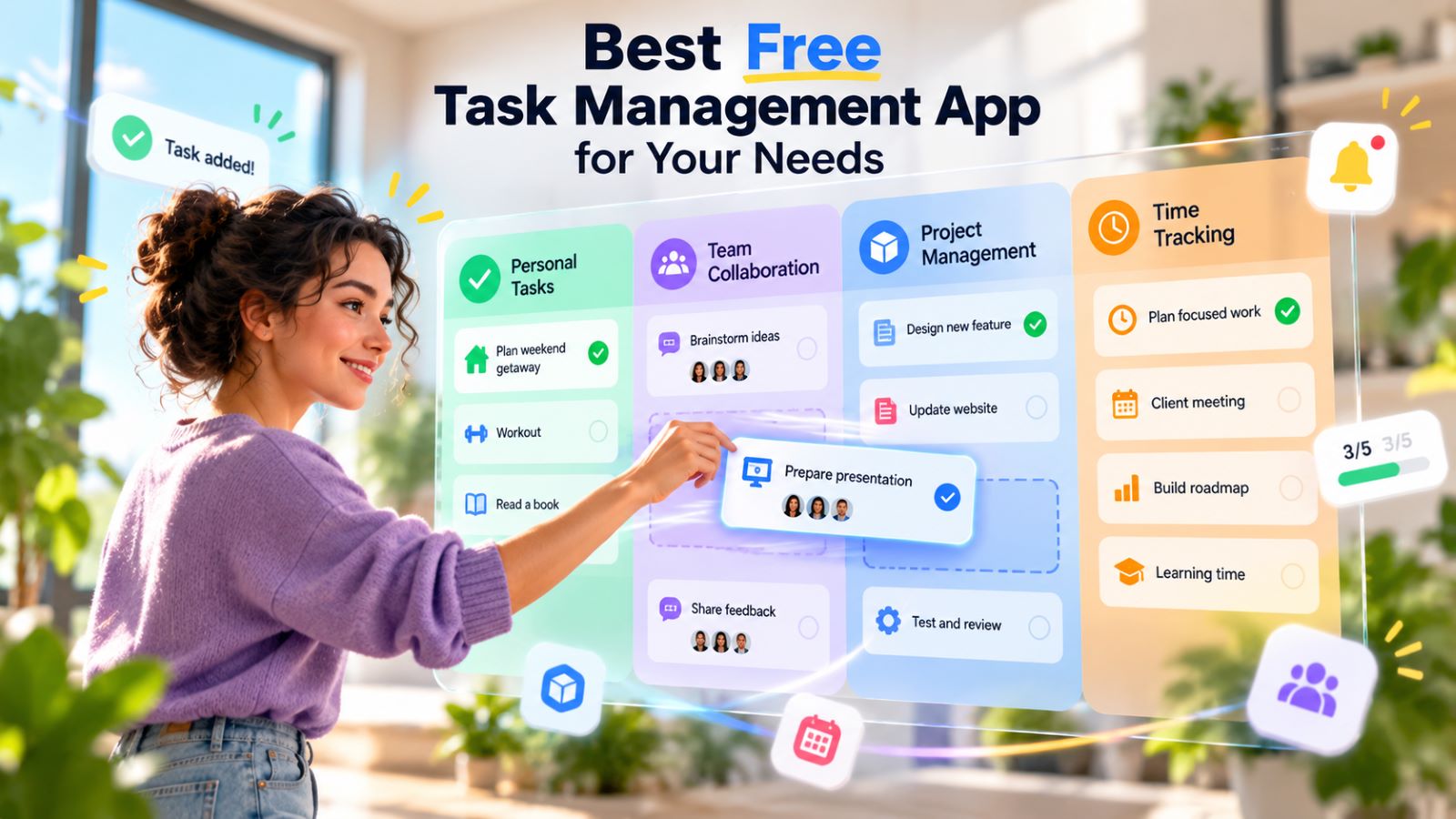
The best free task management app is not the one with the longest feature list. It is the one that handles your real workflow without pushing you into a paid plan as soon as the app becomes useful.
For personal tasks, Todoist is one of the easiest places to start. Trello suits visual workflows, ClickUp gives small teams more structure, Notion works when tasks need context around them, and Asana remains a clean option for one or two people. If time tracking drives the decision, a dedicated tool such as Clockify may fit better than choosing an entire task system around a timer.
Best Free Task Management Apps by Use Case
| App | Best For | Useful Free Features | Main Free-Plan Limit |
|---|---|---|---|
| Todoist | Personal tasks and simple planning | Quick Add, reminders, recurring tasks, list and board views | 5 personal projects |
| Trello | Kanban and visual workflows | Unlimited cards, 10 boards, due dates, automation | 10 collaborators per Workspace |
| ClickUp | Small teams and structured projects | Unlimited tasks and members, Kanban, Calendar, Docs | 60 MB attachment storage; some advanced features have usage caps |
| Notion | Tasks combined with notes and project information | Unlimited pages and blocks for individual use, flexible databases | Collaboration limits and 5 MB file uploads on Free |
| Asana | Solo work and two-person projects | Unlimited tasks and projects, list, board, calendar | Limited to 2 users |
Best Free Task Manager for Personal Use
Todoist works well when speed matters more than customization. You can capture a task quickly, give it a recurring schedule or reminder, and get back to what you were doing without designing a project system first.
The free Beginner plan currently allows five personal projects, along with reminders, list and board views, and one week of activity history. Five projects can be enough if you organize broadly around areas such as Work, Home, Personal, Shopping, and Later rather than creating a separate project for every small category.
The real test is friction. If tasks are quick to add, easy to find, and simple to reschedule, there is little reason to pay for complexity you do not need.
Best Free Task Manager for Small Teams
ClickUp becomes useful when several people need shared ownership, statuses, and more structure than a simple board can provide. Its Free Forever plan includes unlimited tasks and free-plan members, Kanban boards, Calendar view, collaborative Docs, sprint tools, and basic custom fields.
The main practical constraint is storage: free Workspaces get 60 MB for attachments, while some advanced features come with usage caps. That matters more for teams handling lots of files or trying to build complex workflows than for a group that mainly needs assignments, deadlines, and status changes.
Start with fewer rules than the platform allows:
Backlog → In Progress → Review → Done
Give each active task one owner. Add a deadline when the work genuinely has one, and wait before creating custom fields for every possible detail. A team should be able to open the project and understand what happens next without reconstructing the plan from chat messages.
When Asana Is the Cleaner Choice
For a two-person project, Asana’s free-user limit may not be a problem at all. The Asana Personal plan supports two users while keeping unlimited tasks and projects, plus list, board, and calendar views.
That makes it a practical option for a freelancer and assistant, two colleagues, or a pair organizing shared work. The interface is less dense than ClickUp, which can be an advantage when the team does not need extensive customization. Add a third regular collaborator, however, and the free plan stops fitting the workflow.
Best Free Kanban App
Trello remains one of the clearest free choices when work naturally moves through visible stages. The Trello Free plan includes unlimited cards, up to 10 boards per Workspace, up to 10 collaborators, and 250 Workspace automation command runs each month.
A basic board may be enough:
Planned → In Progress → Review → Done
The board earns its place when it reveals congestion. If In Progress keeps growing while very little reaches Done, the problem is probably not a lack of cards or columns. Reduce active work, clarify priorities, or finish what is already underway.
Once a workflow needs detailed dependencies, heavier reporting, resource planning, or many separate boards, Trello starts to feel thin. That is when a more structured platform becomes worth the extra setup.
When Tasks Need Notes and Project Information Too
With research-heavy or content-heavy projects, the surrounding context can matter as much as the checkbox. A task might need a brief, meeting notes, source material, decisions, or a working document attached to the same project.
Notion earns its place in that kind of workflow. The Notion Free plan gives individual users unlimited pages and blocks, while databases can hold tasks alongside project information instead of separating planning from documentation.
Collaboration is where the free tier tightens. Multi-member workspaces face additional limits, and free file uploads are capped at 5 MB each. That makes Notion especially attractive for individual planning or lightweight collaboration, but less compelling when a team regularly exchanges larger files.
Its flexibility can also become a distraction. If you only need to remember what to do and when to do it, building databases and custom views is probably solving a problem you did not have.
Do You Really Need Time Tracking?
Time tracking is useful when the numbers affect a decision: client billing, project estimates, workload planning, or understanding where hours disappear. If you only want to know what to do next, a timer may add more maintenance than value.
A dedicated service can make sense instead of choosing your entire task manager around this one requirement. The Clockify Free plan supports unlimited time tracking for a team of up to five users, so it can sit beside a lighter task system without forcing a larger migration.
Judge the feature by what happens after the data exists. Useful time records should help you price work, improve estimates, change staffing, or spot recurring waste. If nobody uses the reports, the tracking itself has become busywork.
How to Test a Free Task App Before Moving Everything
Do not migrate hundreds of tasks on day one. Put one real project into the app and use it under normal conditions for several days.
Ten to twenty tasks are enough to test the actions that matter:
- Add a task quickly on desktop and mobile.
- Create a due date and a recurring task.
- Find an older task without remembering exactly where you stored it.
- Assign an owner when another person is involved.
- Move work between statuses without unnecessary clicks.
- Confirm that changes appear reliably on another device.
- Check whether the available activity history is enough to trace important changes.
Pay attention to what happens outside the app. If important tasks keep ending up in chat, notes, email drafts, or a second task manager, there is a reason. The tool may be missing something essential, or the workflow may simply have too many steps.
That test tells you more than an hour spent exploring menus. Task software often feels impressive during setup because you are paying close attention to it; the real question is whether it still feels natural several days later.
Free-Plan Limits That Matter Before You Commit
A free plan rarely becomes unusable because it lacks one flashy feature. More often, a small restriction starts affecting routine work after you have already built the system around it.
Check:
- project, board, or Space limits;
- number of collaborators;
- attachment storage and file-size limits;
- activity history;
- recurring tasks and reminders;
- custom fields and statuses;
- automation allowances;
- guest and permission controls;
- whether time tracking requires another service;
- what happens when you reach a free-feature limit.
More free features do not automatically make a tool a better long-term fit. A smaller plan can work better when its restrictions sit outside the parts of the product you actually use.
Common Mistakes When Choosing a Free Task Manager
Choosing by feature count instead of workflow is one of the easiest mistakes to make. A complicated app can look impressive during setup and still slow down every small action afterward.
Other common problems include:
- creating too many statuses before the workflow is stable;
- building a separate project for every minor category;
- marking everything high priority;
- using several task apps for the same work;
- inviting a team before deciding who owns each task;
- migrating everything before testing sync and reminders;
- ignoring free-plan limits until the workflow depends on a paid feature.
Duplication is a stronger warning sign. If the “official” task sits in one app but the real update happens in chat, email, or a spreadsheet, the task manager is no longer the source of truth. Adding another integration or dashboard usually makes that problem worse rather than solving it.
Which Free Task Management App Should You Choose?
For straightforward personal planning, Todoist is an easy starting point. Trello fits people who understand work better as cards moving through stages, while ClickUp gives small teams more room for ownership, statuses, and project structure.
Choose Notion when tasks need to live beside notes, documents, and databases. Asana Personal makes sense for one or two people who want familiar project views without a dense interface. If reliable time reporting matters more than any particular task-management feature, pairing a simpler app with Clockify can be the cleaner setup.
After a week, look at your actual behavior. A useful task manager should make the next action easier to see and the current state of work easier to trust. If maintaining the system starts feeling like another project, the free plan may not be the problem—the workflow itself probably needs simplifying.