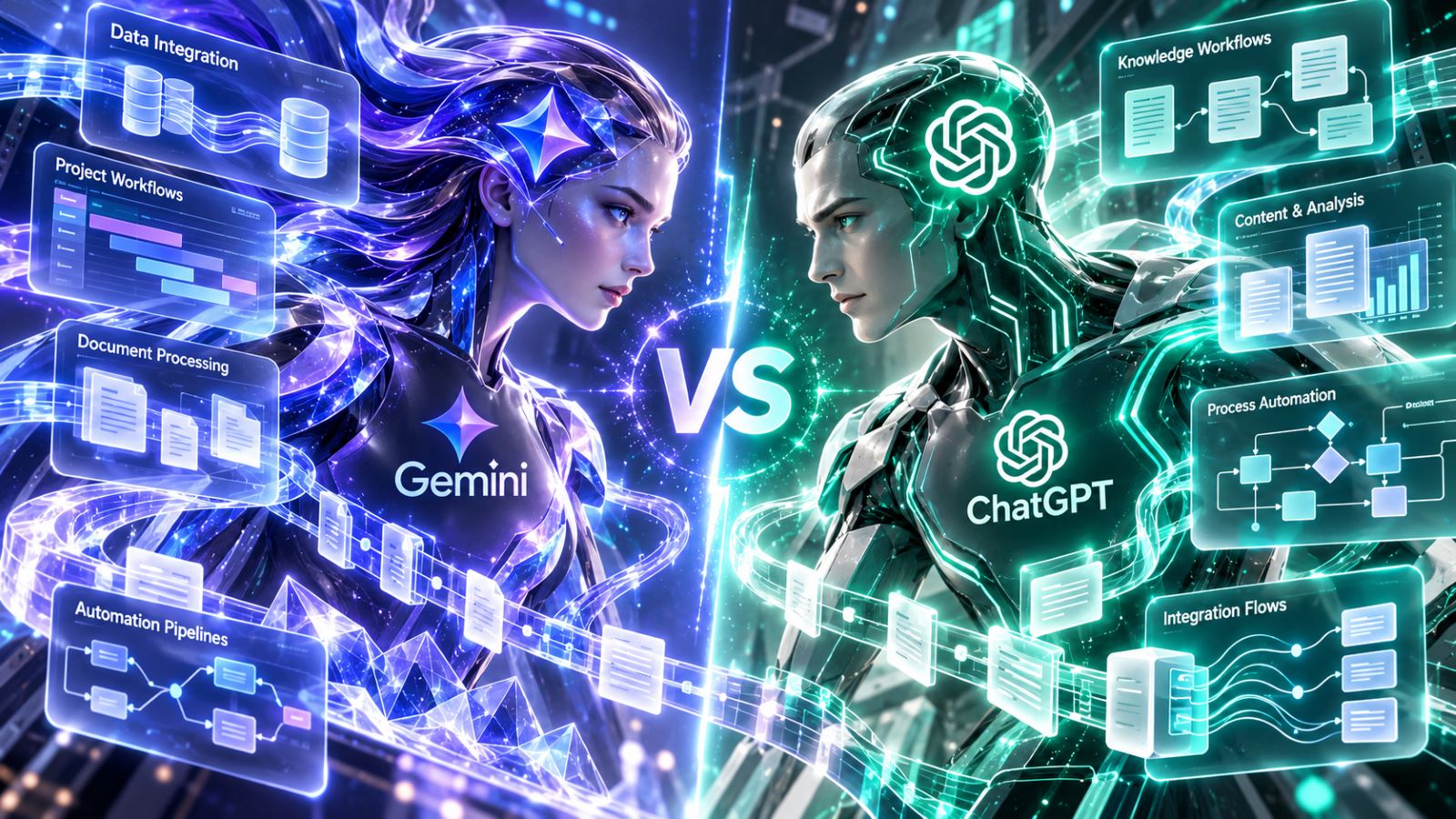
Google Gemini vs ChatGPT becomes a more practical comparison once both tools leave the chat window. For work, answer quality is only part of the equation. Access to files, email, calendars, connected services, permissions, and the ability to carry information from one step into the next can matter just as much.
The right choice depends heavily on where that work already happens. A company built around Google Workspace has different needs from a consultant moving between cloud storage, messaging platforms, documents, and several unrelated business tools. Once those differences enter the picture, comparing the two AI tools purely by response quality stops being especially useful.
Gemini vs ChatGPT for Work: The Short Answer
| Workflow | Better Fit in Many Cases | Why |
|---|---|---|
| Gmail, Docs, Drive, Sheets, and Calendar | Gemini | AI works close to the source material inside Google’s ecosystem |
| Mixed apps and services | ChatGPT | Connected apps can bring different sources into one working environment |
| Email and document-heavy Google Workspace work | Gemini | Fewer transfers between Google apps and the AI |
| Turning mixed source material into reports, emails, tables, and structured outputs | ChatGPT | Flexible transformation across different input formats |
| Google Tasks, Keep, and Calendar actions | Gemini | Direct access to Google’s productivity tools |
| Cross-app research and information retrieval | ChatGPT | Stronger fit when no single suite contains the whole workflow |
| Large document or multi-file work | Depends | Model, plan, file limits, and task structure matter |
| Action-oriented automation | Depends | Integration capabilities, permissions, and approvals determine the result |
For someone who spends most of the day inside Google’s productivity suite, Gemini usually has the shorter path between source material and action. ChatGPT becomes more attractive as the work spreads across unrelated services, file types, and output formats.
Gemini Integrations vs ChatGPT Integrations
The old distinction between “Gemini works with Google” and “ChatGPT is a separate chatbot” is no longer useful. Both products can reach beyond a standalone conversation, but their integration models still reflect different strengths.
Gemini Inside Google Workspace
Gemini’s integration advantage starts with proximity. Google’s current Gemini integrations in Workspace extend across core products such as Gmail, Docs, Drive, Sheets, Slides, and Chat, with selected third-party services also supported. For teams already standardized on those tools, adding AI to routine office work requires less rearranging of the existing process.
A source document, email thread, or spreadsheet often stays in the same environment where the AI assistance is requested. That cuts down on context switching and makes Gemini easier to insert into work employees already perform every day.
ChatGPT Across Connected Apps
ChatGPT approaches the integration problem from the opposite direction. Its connected apps can bring information from external services into a conversation and, where supported, extend beyond retrieval into actions. This suits working environments that have grown around several tools rather than one productivity suite.
A project might involve cloud files, messages, PDFs, spreadsheets, research material, and a final deliverable that needs to appear in multiple formats. ChatGPT can provide a common layer across those inputs instead of requiring the workflow itself to belong to one ecosystem.
Mixed-tool workflows do require more setup. App availability, account permissions, workspace policies, and supported actions all affect what a particular user can actually do, so the integration list alone does not tell the whole story.
Where Gemini Has the Clearest Google Workspace Advantage
Google Workspace is where Gemini’s structural advantage is easiest to see. A client update might begin in Gmail, rely on information stored in Drive, require edits in Docs, and finish with a Calendar event or task.
Gmail, Docs, and Drive Stay Close to the Source
Without native integration, preparation can become part of the job: open a file, copy the relevant section, move it into an AI tool, collect another source, then rebuild the result elsewhere. Gemini can shorten that sequence by working with information already stored in Google’s environment.
The official documentation for the Google Workspace app in Gemini covers Gmail, Docs, Drive, Tasks, Keep, and Calendar. For a team living in Gmail and Docs, the practical benefit is not simply better-generated prose. Less information has to be moved around before useful work can begin.
Calendar, Tasks, and Keep Turn Answers Into Next Steps
Calendar, Tasks, and Keep show why native access matters beyond document summaries. A meeting note may need to become a task, an email thread may lead to a calendar event, and a short list may belong in Keep rather than another document. Repeating those transitions manually across dozens of small jobs adds up.
The advantage becomes much smaller when those Google products are not part of the real workflow. A business running a different calendar, task manager, CRM, and communication platform has less reason to value tight Workspace integration.
Where ChatGPT Fits a Mixed Tool Stack Better
Once work moves across several unrelated services, the challenge changes. Instead of keeping activity inside one suite, the priority becomes turning inconsistent inputs into one controlled result.
A consultant preparing a client review might start with a PDF, several notes, an exported table, and messages from another platform. The first output could be a factual summary, followed by a client email, an internal action list, and a short executive brief. ChatGPT is particularly useful in this kind of sequence because the workflow revolves around transforming information across formats.
For consultants, marketers, researchers, developers, and smaller businesses, that flexibility can matter more than deep integration with one office platform. Their software stack may already be too fragmented for a single ecosystem to own the whole process.
Reusable Outputs Matter More Than a Long Integration List
The number of connected services is a poor measure of workflow quality. A smaller set of reliable connections can be more valuable when information survives several stages without constant reformatting.
The same source material might need to become:
- a factual summary;
- a table of claims and evidence;
- a client email;
- an internal task list;
- a condensed executive version.
Format control becomes important here. If every second step requires rebuilding headings, checking missing facts, or restoring instructions lost during the previous transformation, the integration has saved less work than it first appeared to.
Google Gemini vs ChatGPT for Long Documents and Context
Large documents still matter, particularly for policies, technical specifications, research packs, contracts, and long message histories. Gemini has traditionally emphasized long-context work, but context-window size alone is a weak basis for choosing an AI workflow platform.
Product limits vary by model and plan, and a larger theoretical context does not guarantee better synthesis or constraint retention. With a substantial source pack, the more useful question is whether the model keeps important conditions stable while drawing from different parts of the material.
Give both tools the same structured task, then change one requirement midway through it. If unrelated sections remain intact and the relevant material is still handled correctly, that tells you more about real document work than the context number on a specification page.
Which AI Is Better for Workflow Automation?
Useful AI workflow automation often looks ordinary. The biggest savings come from eliminating repetitive handoffs: locating information, extracting what matters, reshaping it for another person, and carrying the result into the next task.
Gemini has a natural advantage when most of those steps remain inside Google Workspace. ChatGPT fits more naturally above a mixed stack, where several services feed the same research, analysis, or production process.
Retrieval and action still need to be treated separately. An integration that can read a file may not be able to edit a record, create an item, or send something on the user’s behalf, and approval requirements can change how automated the process feels. A sophisticated chain with six integrations and several permission layers can easily create more maintenance than one dependable connection paired with a consistent output template.
Permissions and Admin Controls Can Decide the Comparison
Business users rarely work with unrestricted accounts. Company policies, administrator settings, service permissions, and provider authorization can turn an attractive integration into something that is unavailable or only partly functional.
OpenAI’s guidance on managing app permissions in ChatGPT explains how connected services, supported actions, and workspace controls affect what an app can access or change. Similar constraints apply inside managed Google environments, where Workspace editions and administrator settings can determine which Gemini features are available.
In a company account, these restrictions may matter more than small differences in model quality. An AI assistant that cannot reach the files required for a recurring task will struggle to improve that workflow, regardless of how capable it looks in an isolated prompt test. Access should therefore match the actual job rather than defaulting to the broadest set of possible connections.
How to Compare Gemini and ChatGPT on Your Own Work
Testing both tools with abstract prompts tells you little about your real workflow. Pick two or three jobs that already consume time each week and keep the source material, goal, and expected output as similar as possible.
A useful comparison can cover four areas:
- Information access: Can the AI reach the material you normally use without extra preparation?
- Transformation: Can one source become several useful outputs without losing facts or structure?
- Constraint retention: When one requirement changes, does the rest of the work remain stable?
- Action: If the integration supports actions, how much intervention is required before the next step is completed?
Measure corrections, manual cleanup, permission obstacles, repeated uploads, and time to a usable result rather than judging which first response sounds more impressive. The surrounding work belongs in the comparison as well: rebuilding output in another app, locating the original source again, or manually reconstructing the next step all count as extra effort.
After a few realistic tasks, the differences become easier to see. You are no longer comparing two impressive chat responses; you are comparing how much work remains after each system has done its part.
Google Gemini vs ChatGPT: Which Fits Your Workflow?
For Google-centric work, Gemini’s close relationship with Workspace can eliminate a meaningful amount of context switching. This advantage grows when Gmail, Drive, Docs, Calendar, Tasks, and related Google tools already form the backbone of day-to-day work. In a mixed environment, ChatGPT has a different strength: it can provide a common working layer across varied sources and output formats.
Account restrictions, integration availability, data sensitivity, and the sequence of tasks can still outweigh features that look important on paper. Neither platform wins every workflow.
Run both tools through work you already perform and measure what remains afterward: corrections, transfers, permission problems, and extra steps. The practical winner is whichever system leaves the shortest path between the original input and a result you can actually use.