Google AI Overviews can turn a broad search into a short explanation before you open a website. That quick orientation is useful, but a polished summary may leave out conditions that determine whether the answer applies to you. Knowing how to use AI Overviews means noticing those gaps and deciding when to open the underlying pages.
You don’t need to investigate every minor detail. Decide what you need from the search, notice missing context, and follow relevant links before acting. Whether you’re researching a purchase or troubleshooting a device, the goal is to use Google Search efficiently without treating its generated summary as the final authority.
What Are Google AI Overviews and When Do They Appear?
Google AI Overviews are AI-generated snapshots within some Google Search results, with links for exploring the subject further. They may combine background that would otherwise require several searches. The feature is part of Search rather than a separate chatbot you must open.
Google’s systems decide when an overview may be useful. It won’t appear for every query, even when the wording seems ideal. Availability also varies by language and region. Adding elaborate instructions to the search box cannot guarantee that Google will generate one.
Google’s AI Overviews guidance warns that generated responses can contain mistakes. Treat a summary as an introduction, then use its links when you need details or evidence. If an AI Overview isn’t showing for your search, ordinary results are still useful; don’t keep rewriting the query just to trigger the feature.
When Are AI Overviews Useful and When Should You Skip Them?
AI Overviews can help you learn unfamiliar vocabulary or identify approaches worth comparing. For example, a summary of solid-state versus hard-disk storage may clarify the terms before you research specific devices. It can highlight tradeoffs worth exploring, including speed, capacity, and cost. Before buying, check current specifications for the models you’re considering.
Avoid treating a summary as the last word on prices, eligibility, product support, or current policies. Airline battery rules can depend on the carrier and battery type; returns depend on the seller and purchase conditions. Open the responsible organization’s current page before relying on such an answer.
The dividing line isn’t simply whether a question seems difficult. A short query about medication, taxes, or safety can have greater consequences than a lengthy hobby question. Before relying on the answer, consider what a missing exception could change.
How to Read an AI Overview Without Missing Important Details
An overview condenses sources; it doesn’t reproduce them. Scan for the central claim, then ask what could change it: location, subscription tier, software version, or a recent update. When it says a feature is available, check whose account and which version it means.
Search results around the overview can expose details the summary has compressed. Manufacturer instructions may explain how a feature works, while news coverage may describe recent changes. Forum posts can add firsthand experiences. Separate official requirements from personal accounts before acting on their combined message.
Why Dates, Locations, and Exceptions Matter
Suppose an AI Overview says you can return opened headphones within 30 days. The summary might overlook which retailer sold them, which country you’re in, or whether opened electronics qualify under that policy. A straightforward answer can miss the condition that decides your case.
The store’s own return policy is the place to look. Find the clause covering opened electronics and check when the return window starts, purchase or delivery, and whether online orders follow different terms. Only then can you tell whether the summary covers your order.
How to Check the Sources Behind an AI Overview
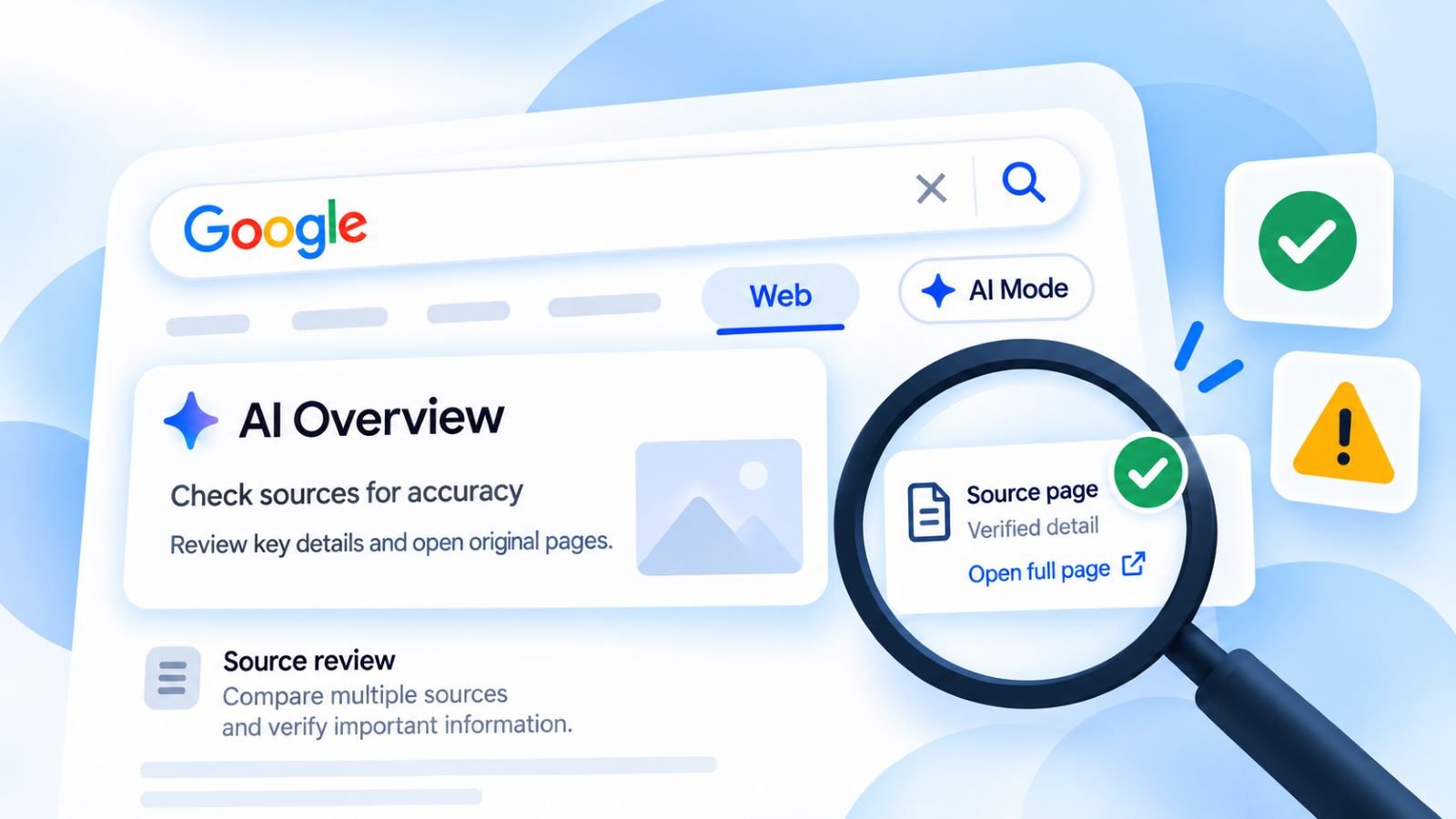
An AI Overview’s links are leads, not proof. To check the sources behind an AI Overview, open the page most relevant to your question and find the passage supporting the specific claim. A specification sheet may mention a feature without confirming that it’s included in your configuration.
Source placement differs across devices and searches. In October 2026, Google announced AI Search updates intended to make inline references more prominent. Some changes are gradual or experimental, so use the links shown in your results rather than expecting identical layouts.
Start with the source closest to the claim. A manufacturer can confirm what a device supports; a government agency can explain the deadline it enforces. Resellers and news articles may provide context, but they can lag behind updated documentation. Location and date still matter.
A reputable domain isn’t enough. An overview may turn a conditional statement from a real page into a blanket rule, which you won’t catch from the link label alone. Multiple articles repeating the same announcement also don’t count as independent confirmation.
How to Make Google Search Queries More Specific
Specific queries can narrow Google Search results. They cannot force an AI Overview to appear in a chosen format. Instead of searching for ‘laptop battery replacement,’ include your exact device model and the symptom. This helps separate general advice from instructions for your hardware.
Location and timing matter for changing information. A query like ‘museum opening hours’ leaves out the place and date, while ‘[museum name] opening hours [date]’ gives Search a clearer target. Still check the official calendar for holiday schedules or temporary closures.
For comparisons, name the alternatives and what matters to you. ‘Fiber vs cable internet for video calls and upload speed’ is more focused than ‘best internet,’ while a specific software edition avoids mixing free and business features. The clearer query improves relevance without proving that every result is correct.
When results remain generic, look for the missing dimension. Is it the model number, the year, the region, or an eligibility condition? Change that part of the query and compare what happens—but don’t assume the newest answer is right simply because it’s more specific.
What to Do When an AI Overview Is Wrong or Incomplete
Google AI Overviews are not always accurate, even when they include citations. If an overview contradicts a source, locate the exact disagreement first. A date may describe an announcement rather than an effective rule, or a feature may require another subscription tier. Check the disputed condition directly instead of repeating the original search.
You can narrow the query or switch to standard search results. For consequential claims, fact-checking AI answers starts with the original evidence, its date, and the conditions it covers. That matters even more when you’re about to share the information with someone else.
Google also provides a way to flag an error. Beneath the overview, select thumbs down, choose Report a problem, and explain which detail is misleading or missing. Feedback may help improve the service, but don’t treat it as a correction to the information in front of you.
A partial answer can be useful precisely because it exposes the next question. Which condition is missing—a date, an eligible plan, or a policy exception? Search for that point in the relevant official documentation instead of asking another unsupported summary to fill the gap.
When to Use AI Mode Instead of AI Overviews
AI Overviews offer a short response within Search results; AI Mode supports deeper, conversational exploration and follow-up questions. Choose AI Mode when you need to compare several conditions or pursue a question across multiple searches. Neither experience removes the need to inspect sources when the answer matters.
On supported mobile experiences, select Show more below an overview to open its expanded view. Type a follow-up question into the Ask anything bar to continue in AI Mode. Your original search context carries into the conversation, so you don’t have to start again. The available controls may differ by device or region.
AI Mode and Gemini aren’t interchangeable. Google AI Mode operates within Search, whereas Gemini is a separate assistant with some overlapping capabilities. Follow-up questions can help compare explanations, but they cannot turn an unsupported claim into evidence; for that, open the source.
How to See Google Search Results Without AI Overviews
Google doesn’t provide a standard switch to turn off AI Overviews permanently throughout Search. After a search, select the Web filter to see text-based links without the generated summary. The option may appear directly in the navigation or under More.
The Web filter is useful when you want Google Search results without AI Overviews. It doesn’t prove that the pages listed are accurate. AI Overviews can still appear in other Search tabs, and turning off a Search Labs experiment won’t disable the core feature. Use the filter for a different view of the results, not as a reliability guarantee.
A Practical Workflow for Using AI Overviews
Choose your next step according to the search task. Use an overview for orientation, but open an original source when a date, number, rule, or exception affects your decision. The table shows when the summary helps and when another view serves you better.
| Search Task | Use the AI Overview For | Check or Switch To |
|---|---|---|
| Understand an unfamiliar term | Key concepts and useful vocabulary | Specialist source for disputed definitions |
| Compare devices or plans | Identify important comparison criteria | Official product specifications and plan terms |
| Check a policy or deadline | Identify which conditions may matter | Current page from the responsible organization |
| Research a changing topic | List possible developments and questions | Dated primary sources and conventional web results |
| Investigate a complex choice | Frame follow-up questions | AI Mode for exploration; source pages for confirmation |
Start with the overview if it helps identify useful terms or sources. Follow the link behind a consequential claim. Check missing conditions before relying on it. If you’re repeatedly correcting the summary, switch to Web results rather than refining your search indefinitely.
Use an overview to find the right document, not to replace it. A concise answer can help you get oriented in seconds; the exception that matters may sit halfway down a policy page. For a purchase, deadline, or policy, that page, not the search snapshot, should have the last word.